Know the garage is shut while you're at work, let a relative in without a spare remote, get a warning when the door has stood open all afternoon. OnPoint Pro Doors Topeka installs Wi-Fi openers and adds app control to openers already hanging, and nothing is done until you say yes to a free estimate.
Tell us what the door is doing. The estimate is free; the work waits for your yes.
A connected opener does everything the old one did, and then it starts reporting. Every time the door moves, your phone can hear about it. If it is still up at bedtime, a reminder arrives. From anywhere with a signal you can close it, open it for someone you trust, and scroll back through the day to see when it ran. It is the same door and the same motor; it just stops keeping secrets.
Depending on the model, there may be more: an automatic close after a stretch you choose, a lens that keeps an eye on the garage floor, or separate access for each person in the household. Not every feature comes with every opener, so the differences are spelled out at the estimate, along with which ones are actually worth having.
Spring storms take the power out here often enough that an opener with battery backup is worth considering on any new install. When the lights go, the backup keeps the door running for a number of cycles, so the car is not trapped behind it. If the outage takes the router down too, the app goes blind until both come back, but the wall button and the remotes never needed the network in the first place.
The other enemy is summer heat. An attached garage on a still July afternoon collects heat right up where the opener and any smart module are mounted. Well-made units cope, but flimsy add-on electronics do not always, so the hardware recommended is chosen with a hot garage in mind.
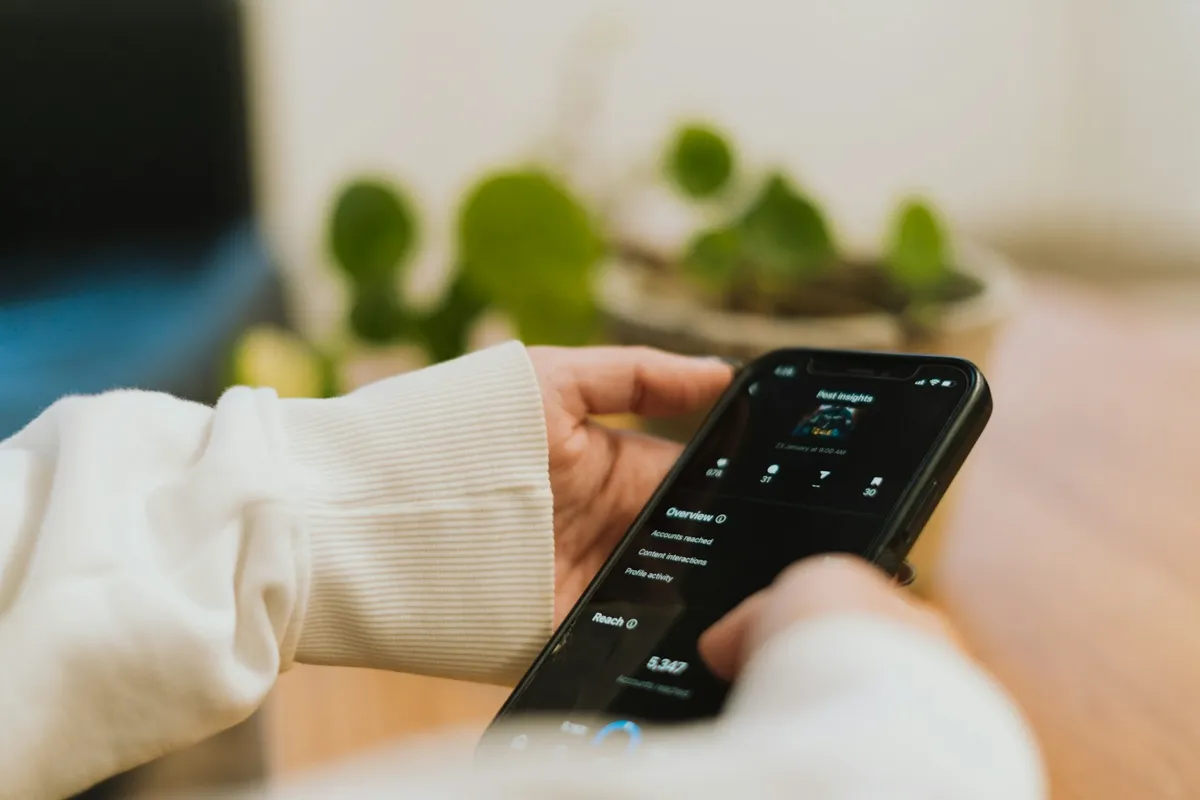
One way in is a whole new opener with the radio already inside. If the badge on it reads LiftMaster or Chamberlain, the app it talks to is myQ; a Genie talks to Aladdin Connect instead. When the opener you have is old, noisy or underpowered for the door, starting fresh is usually the wiser route.
The other way keeps a healthy opener and adds a small control module wired to it, with a sensor fixed to the door so the app knows whether it is up or down. It is the lighter job, and it suits an opener that still has plenty of life in it.
Some openers should not be given app control at all: ones without working safety eyes, or ones that already struggle to raise the door. You are told which group yours falls into, and why.
Detached garages behind the older homes in Potwin and Westboro sit well away from the house, and even an attached garage can be on the far side of brick and a couple of walls from the router. A smart opener needs a steady connection right at the motor, not just in the kitchen.
There is a technical wrinkle too: plenty of openers can only see the older 2.4 GHz side of a home router, and dual-band routers that show a single network name sometimes confuse them. A reading is taken where the opener will hang before anything is bolted up. If the number is poor, you hear it at the estimate, and a booster placed partway out to the garage is the common cure, bought and set up on your terms.
Doors usually give warning before they fail: a gap opening in a spring's coils, a cable with broken strands near the bottom bracket, a door that creeps down when left halfway. On a door you open from your phone, nobody is standing there to notice those signs, so they are checked before any smart hardware goes up.
The opener is released and the door raised by hand. A balanced door stays put at halfway and lifts easily; one that drops or fights back needs its springs looked at first, and that is named on the estimate.
Closing from an app also means the door may move with no one watching. That is why app-capable openers blink their light and sound a short warning first, and why the final run of every visit includes a reversing test and an eye test.
The same four steps whether you end up with a new opener or a module.
Connected openers have their own ways of acting up. The phone says the door can't be reached; the app swears the door is down while it is plainly up; the opener answers the wall button but not the screen; or everything worked until the internet provider changed the router. Those point at different parts of the system: the home network, the small sensor on the door, or the board inside the opener.
Tell us what the screen shows and what the door does, and that is where the technician starts. When an older unit is the real problem, a repair option and a replacement option are both written out, with the free estimate covering the visit either way.
Frequently. A control module and door sensor can be added to many openers, provided the safety eyes work and the door goes up without strain. Very old units are usually better retired, and the free estimate says which yours is.
Yes. Buttons, remotes and keypads talk to the opener directly, so they carry on; only the app waits for the internet to come back.
An opener with battery backup keeps the door running for a number of cycles without power. It is worth having here, and it is offered as an option on new installs.
Plain open-and-close from your phone comes included with these systems. Things like saved video clips are where some brands add a subscription, and that is flagged before you pick a model.
Yes. Most systems let each person have their own access, and many allow temporary access for a visitor that you can switch off later.
A remote close is preceded by a blinking light and a beep, and the eyes and the reverse still guard the opening. The technician proves both before leaving.
Yes. You get the options on paper first, and the work waits for your yes.
Tell us the fault and you'll get a straight answer on whether it can wait. Free estimate anywhere in Shawnee County.
Quicker to talk? Call (785) 498-8618.
Tell us what the door is doing. The estimate is free; the work waits for your yes.